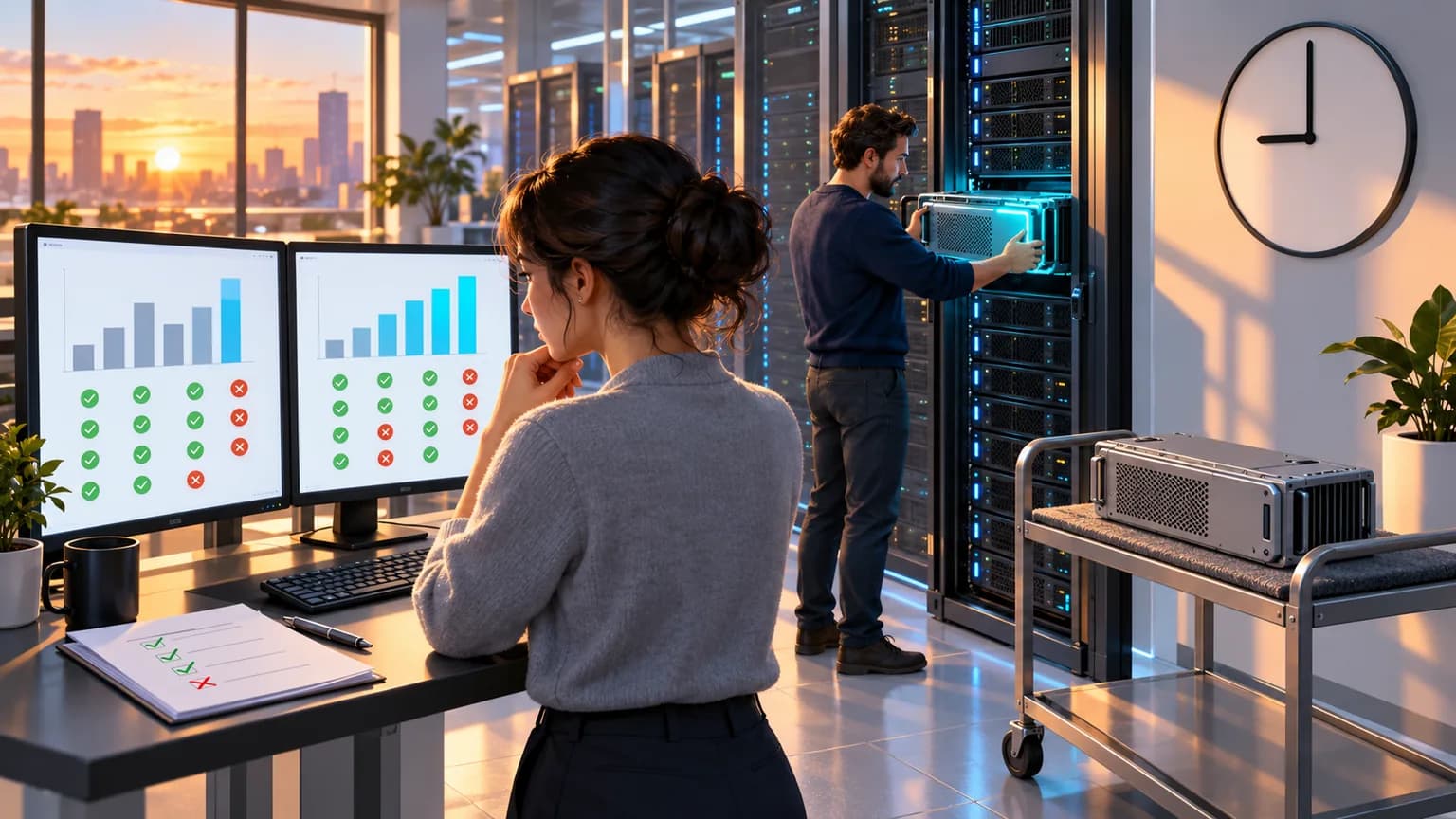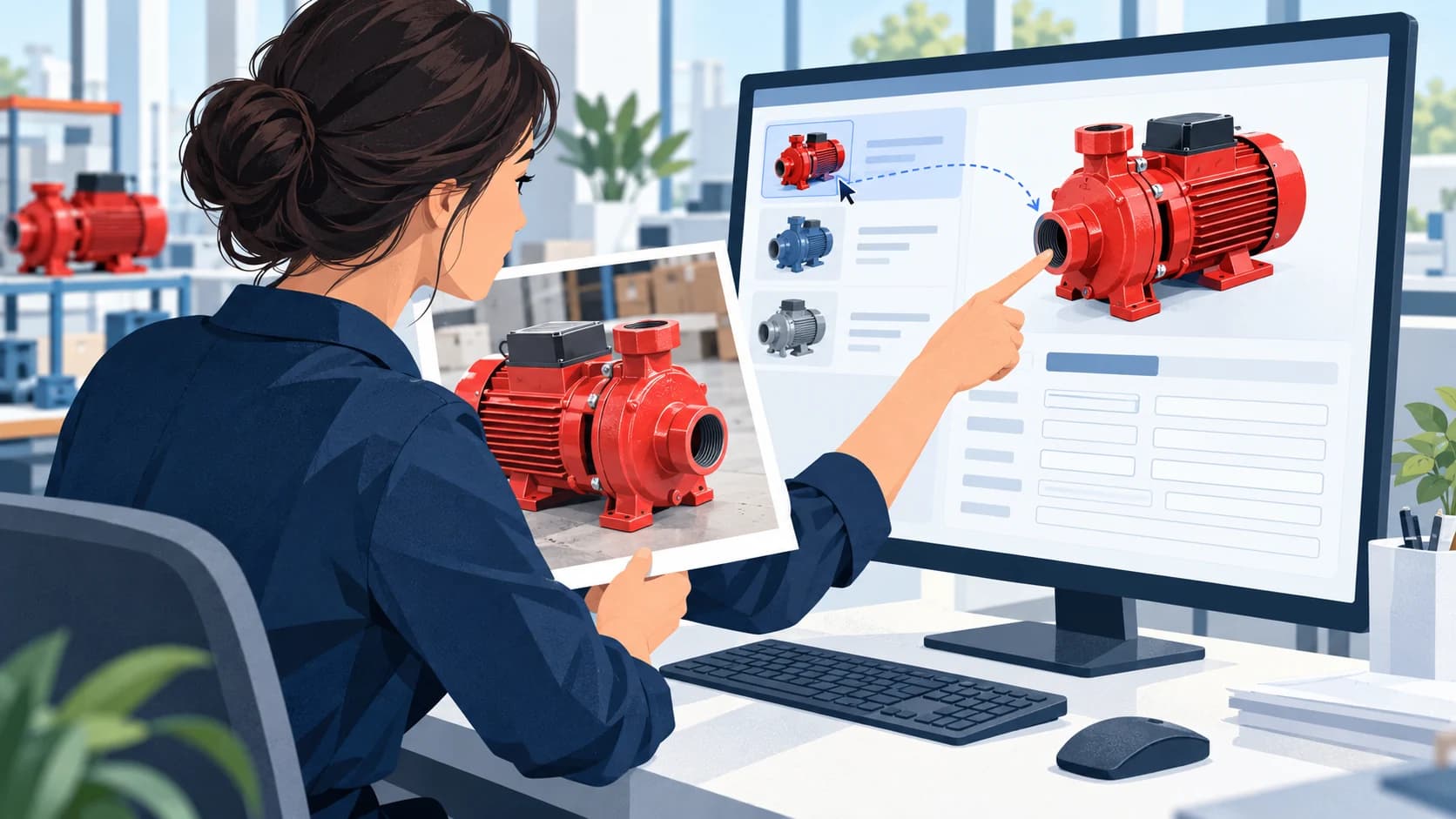
*Conceptual illustration of the scenario; not a product interface, client project, or test result.*
GPT-6.1 Terra is OpenAI’s new model for visual analysis, app interaction, and text, introduced in the week of October 26–30, 2026 updates. For business, the main takeaway is the ability to handle task streams more affordably when you need to match an image to a record, understand a screen, and take a limited action. Access is stated to be available in ChatGPT Work, Codex, and the API; regular Chat is a different product surface. Official weekly update.
For operations leaders, AI product owners, and integrators. OpenAI documentation checked October 28, 2026. We did not run a Terra benchmark, and we did not measure the accuracy, latency, or cost of a real operation. The prices below come from the official rate card, and the work scenarios are editorial examples, not client cases.
What the release changes: lower token rates compared with GPT-6.1 Sol, with a separate emphasis on images and actions in interfaces. What the release does not prove: that any office task can now be completed more cheaply or without employee involvement.
Contents
- What’s new in Terra
- Tasks this release is useful for
- API pricing and calculation
- The model and the working agent
- Work, Codex, and access
- Limitations and takeaways
What’s new in GPT-6.1 Terra
OpenAI describes Terra as a fast and cost-efficient model for visual reasoning, precise computer use, and clear writing. The model card gives concrete scenarios: matching product photos to a catalog, reading technical drawings, and acting on app screens. In the API, the identifier is gpt-6.1-terra. Model card.
The input modalities are text and images, and the output modality is text. So the phrase “the model edits video” in a workflow description does not mean this text API itself produces a finished video file. The result appears in the app through tools and the execution environment. The model card states support for structured outputs and function calling; tool calling requires the Responses API. Terra technical specs.
For a company, this is an evolution of the class of models that connect visible content with a work action. Editorial example: an employee receives a supplier photo of an assembly, finds the matching item, and prepares a record update. What helps here is recognition of details, matching against data, and careful work in the interface at the same time. A nice textual description of the photo alone is not enough for this task.
The release is especially relevant for teams with a high volume of similar visual tasks. For a rare, complex engineering task, token price may matter less than reasoning quality and the cost of an error. Terra’s novelty does not remove the need to choose a model based on the actual type of work.
Which business tasks the new model is useful for
The clearest angle is visual routine work at the intersection of documents, catalogs, and applications. In the official weekly update, OpenAI gives an example of matching supplier photos to product records, as well as checking ad creatives for cropping and text placement. OpenAI examples.
Below is an editorial interpretation of these capabilities for business processes. These are use directions, not confirmed accuracy on your data.
| Work scenario | Where Terra may help | What defines a useful result |
|---|---|---|
| Supplier photo and product catalog | Match visible features to candidates | The correct variant is selected, not just a similar product |
| Technical drawing and reference guide | Extract details for further processing | Labels and the link to the source image are preserved |
| Ad creative review | Find cropping and layout issues | The note points to a specific fragment and the reason |
| Filling out a form from source data | Prepare fields and perform allowed actions | The change landed in the right record and was confirmed by the system |
For example, similar pump assemblies may differ by configuration, connector, or connection size. If those features are not visible in the photo, the model does not automatically get them from the product category name. The practical limit of this scenario is the ability to request missing information or hand off an ambiguous match to an employee.
For streaming operations, what matters is not only the correct answer but also the number of repeat calls to the model. If the integration sends the entire history and large images again each time, a cheaper rate alone does not make the process economical. This is an engineering conclusion about cost structure, not a measured result from using Terra.
How much the GPT-6.1 Terra API costs
As of the review date, Terra’s standard short-context rates are $1 per million input tokens, $0.05 per million cached input tokens, and $5 per million output tokens. For GPT-6.1 Sol, the corresponding rates are $2, $0.10, and $10. In this part of the rate card, Terra costs half as much as Sol for the same number of tokens. Official API prices.
| Standard mode, short context | GPT-6.1 Terra | GPT-6.1 Sol |
|---|---|---|
| Input, per 1M tokens | $1 | $2 |
| Cached input, per 1M tokens | $0.05 | $0.10 |
| Output, per 1M tokens | $5 | $10 |
Calculation example, not a measurement: with 10,000 uncached input tokens and 2,000 billable output tokens, the token portion of a Terra request would be $0.02: $1 × 0.01 + $5 × 0.002. The same volume on Sol would be $0.04. The input volumes are invented for arithmetic; the cost of images and reasoning must be accounted for in the actual billing of the request, not added at random.
Long context has a different rate. For Terra, requests over 272,000 input tokens have double input and cache rates and a 1.5x output multiplier for the entire request. Fast, Batch, and other modes cannot be mixed with Standard when comparing. Cache writes also have their own cost. Billing terms.
This table answers the question of the cost per unit of computation. It does not include the integrator’s work, browser infrastructure, retry attempts, or human correction of erroneous results. So “cheaper per token” is a pricing fact, while “cheaper to process an order” is a separate question for a specific workflow.
Why model vision is not finished automation yet
The model can interpret an image and suggest an action, but access to the application is provided by the execution environment. In the computer use documentation, OpenAI shows the combination of an API loop, a browser or desktop, and available actions. The examples include checking interface state and verifying the result after actions. Documentation for computer use.
Let’s imagine an editorial scenario: you need to find a product card from a photo and update the description. Even when the object is recognized correctly, separate questions remain: is the right catalog open, which organization is selected in the system, has the form been saved, and has any warning appeared? These states belong to the application, not just to the model’s answer quality.
That is why a release may affect the model choice inside an existing agent, but it does not replace the entire integration. For a process with a stable API, it is useful to first consider direct data transfer. Screen-based work is especially interesting where the operation already depends on the interface, but its reliability must be evaluated separately.
If a company has not yet defined which changes are allowed for the agent, switching to a new model will not fill that gap. You need a clear scope of action: for example, prepare a draft product card and leave publication to an employee. This is a proposed project decision, not a required Terra setting and not the result of a completed implementation.
Where Terra is available and why it may not appear in Chat
In the official documentation, Terra is listed for ChatGPT Work and Codex on the Plus, Pro, Business, Enterprise, and Edu plans. Access is tied to the product surface and workspace settings; the model is not available in regular Chat. Administrative restrictions apply for Enterprise. The general Work and Codex plan limits are not increased simply because the model exists. Availability by plan.
This matters when discussing procurement. A workspaces subscription and API request billing are two different ways of using the service. You cannot apply the API price from the table above to the number of employee messages in the app, and the presence of a model name in the documentation does not confirm access to it in a specific account.
It is also stated separately that UAE inference residency is not supported. This is a limitation on where inference runs, not a universal description of access by user citizenship or geography. Availability for your organization, region, and data-processing method should be checked against the service’s current terms. Terra limitations.
Which limitations change the decision to switch
For an image-based operation, three different uncertainties matter: matching quality, the number of steps to the result, and whether the action is allowed in the work system. The price list describes only part of the second one. If an incorrect product change leads to the wrong shipment, savings on a single request are not a sufficient reason to switch models.
Context capabilities also should not be turned into a promise to understand the entire archive. A large window lets you pass more information, but the usefulness of the answer depends on the input mix and the task. The photo, drawing, and card must actually contain the signs needed to make a decision.
Editorial takeaway: Terra is worth considering as a new candidate for an existing visual workflow. For a complex one-time task, completeness of the result comes first; for high-volume work, the key is the combination of quality and the cost of a completed operation. The broader context for this product line is covered in our analysis of OpenAI DevDay 2026, and the specifics of source materials are discussed in the article on recognizing drawings and specifications.
How AIrassvet connects the visual model to the process
Implementing visual AI may include preparing photos and reference catalogs, integrating the model with a corporate workspace, and automating limited actions in a business system. For a catalog scenario, this means aligning product attributes, linking the matching result to a specific record, and routing ambiguous cases to an employee. The choice of Terra or another service is determined separately by the project conditions.
The first step is to describe one image workflow, the source of reference records, current manual corrections, and the changes that are allowed. Discuss the project.
What the Terra release means for business
GPT-6.1 Terra adds a lower-cost standard-rate option for visual work and in-app actions. It is especially interesting for repetitive operations where an image needs to be linked to a record or form. The decision to switch should be based on the cost of a completed operation and the consequences of errors. Access in Work, Codex, and API, the model itself, and the agent runtime are separate parts of that decision.