Choose a PDF parser for RAG by answering three questions: what documents you have, where they’re allowed to be processed, and what the license permits. For a mixed corpus of Russian-language office documents, a sensible starting point is Docling (code under MIT) with Russian language explicitly enabled in OCR. For scans and complex layouts, compare MinerU and PaddleOCR-VL. Marker is strong on digital PDFs, but commercial use of its weights is free only for companies with revenue or funding up to $5 million. olmOCR requires a GPU and is a good fit for large scan archives. There is no winner on someone else’s benchmark: test candidates on 30–50 of your hardest pages.
Prepared by the team at AIrassvet October 20, 2026 for IT directors, architects, and project leaders building RAG — AI search and answers over corporate documents. We checked versions, licenses, and capabilities against GitHub repositories and documentation on October 20, 2026. We did not run our own quality test: all accuracy figures below are vendor claims.
Contents
- At a Glance
- Why Parsing Determines RAG Quality
- What We Compare and What’s Out of Scope
- Summary Table
- Docling
- Marker
- MinerU
- PaddleOCR: PP-StructureV3 and PaddleOCR-VL
- olmOCR
- Unstructured
- Licenses: What to Check with Legal
- When to Choose What
- How to Test a Parser on Your Own Documents
- How We Compared
- Frequently Asked Questions
- Sources
At a Glance
- Docling — a versatile option for mixed corpora: MIT-licensed code, broad format support, and offline operation. OCR language must be set explicitly: by default, EasyOCR recognizes English, while RapidOCR defaults to Simplified Chinese.
- Marker — strong results on digital PDFs in the developer’s own test. The code is under Apache-2.0, but model weights are free for commercial use only up to $5 million in revenue or funding.
- MinerU — handles complex layouts, formulas, and scans, and runs even on CPU. The Apache-2.0 license includes additional terms: attribution for online services and a separate license if monthly revenue exceeds $20 million.
- PaddleOCR — PaddleOCR-VL-1.6, with 0.9 billion parameters, claims 96.3% on OmniDocBench v1.6 and supports Russian. The new unified PP-OCRv6 model does not include Cyrillic in its list of 50 languages.
- olmOCR — a 7-billion-parameter model for large archives. Requires an NVIDIA GPU with at least 12 GB of memory.
Why Parsing Determines RAG Quality
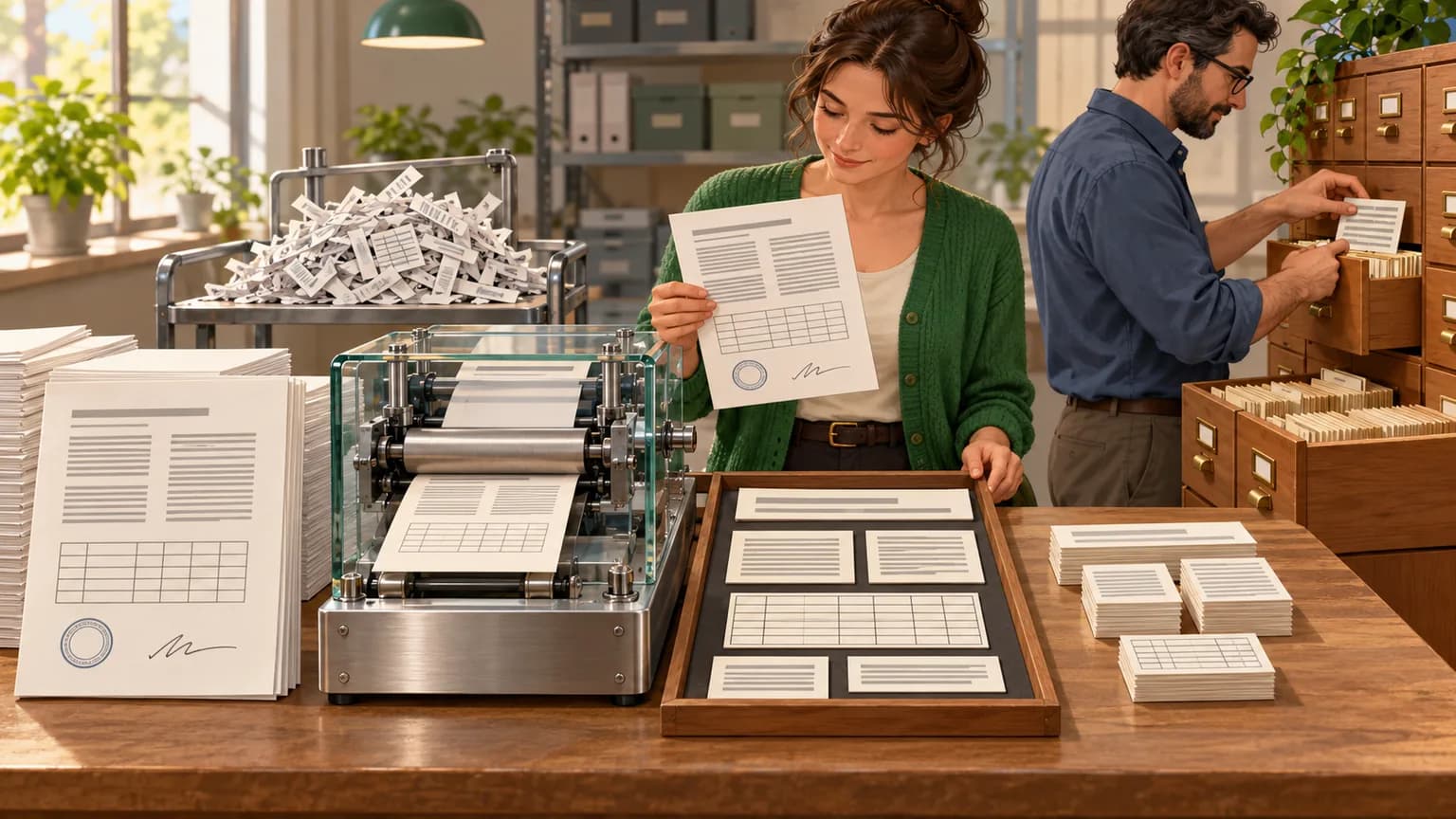
RAG (Retrieval-Augmented Generation) — a setup where AI first finds relevant document passages in a database and then answers using them as evidence. Parsing — the first step in that pipeline: converting PDFs, scans, and office files into text while preserving structure such as headings, tables, and reading order. Errors at this stage cannot be fixed later: if a table turns into a list of numbers with no rows or columns, neither vector search nor the language model can recover which number belongs to which row.
Typical parsing problems in corporate documents include:
- Reading order. In two-column layouts, lines from adjacent columns get merged together.
- Tables. Merged cells and multi-page tables lose their structure.
- Scans. There is no text layer, so quality depends on OCR and the recognition language.
- Headers, footers, and page numbers get into the text and interfere with search.
- Stamps, signatures, and handwritten notes are either recognized as noise or disappear.
We explained how a full RAG system works in the article “RAG Systems for Business”, and how chunks are stored and retrieved after parsing in the article “What Is a Vector Database”.
What We Compare and What’s Out of Scope
We compare open-source tools that can be deployed on your own servers: Docling, Marker, MinerU, PaddleOCR, olmOCR, and the Unstructured library. Cloud document recognition services, commercial IDP platforms, and field extraction from standard forms — invoices, waybills, passports — are outside the scope of this review. That is a separate problem, covered in the article “OCR and Document Recognition for Business”. Drawings and specifications require separate models — we covered those in the article “AI-Based Recognition of Drawings and Specifications”.
Summary Table
Data as of October 20, 2026, based on GitHub repositories and developer documentation.
| Tool | Code License | Model License and Terms | Latest Release | Hardware | Russian Language |
|---|---|---|---|---|---|
| Docling | MIT | According to the licenses of the model packages | v2.140.0, 10/16/2026 | CPU, VLM modes available | Via OCR engine, language must be set explicitly |
| Marker | Apache-2.0 | Modified OpenRAIL-M: free up to $5 million in revenue or funding | v2.0.0, 07/20/2026 | GPU, CPU, Apple MPS | All languages claimed |
| MinerU | Apache-2.0 with additional terms | Separate license required if MAU exceeds 100 million or revenue exceeds $20 million per month | 4.0.12, 11.10.2026 | CPU in basic mode, GPU with 8 GB or more for best modes | Not verified |
| PaddleOCR | Apache-2.0 | Apache-2.0 | v3.7.0, 11.06.2026 | CPU, GPU, and other accelerators | PaddleOCR-VL: 109 languages, including Russian |
| olmOCR | Apache-2.0 | VLM-based model with 7 billion parameters | v0.4.27, 12.03.2026 | NVIDIA GPU with 12 GB or more | Not stated |
| Unstructured | Apache-2.0 | The open-source library is free; the best models are available in a paid API | 0.27.30, 19.10.2026 | CPU | Through the OCR engine |
"Not verified" and "not stated" mean that the reviewed documentation does not contain a direct claim about Russian language support. This does not mean Russian won't work — it should be tested on your own documents.
Docling
Docling handles PDF, DOCX, PPTX, XLSX, HTML, images, EML and MSG emails, audio, and other formats into a unified DoclingDocument representation. It can be exported to Markdown, HTML, or JSON without loss. For PDFs, Docling detects page layout, reading order, table structure, code, and formulas. The developers separately note offline operation and use in air-gapped environments. Ready-made integrations are available with LangChain, LlamaIndex, Crew AI, and Haystack, plus an MCP server and the docling-serve server edition.
Most important for Russian-language documents — OCR. According to Docling documentation the supported engines include RapidOCR, Nemotron-OCR, EasyOCR, ocrmac, Tesseract (CLI), and tesserocr. If no language is specified, EasyOCR recognizes English, while RapidOCR recognizes Simplified Chinese. So for Russian scans, the language must be specified explicitly, for example rus for Tesseract or iso:ru in portable notation.
Pros: permissive code license, broad format support, structured output for RAG. Cons: the models included in the packages have their own licenses, which must be checked separately; scan quality depends on the selected OCR engine.
Marker
Marker converts PDF, images, PPTX, DOCX, XLSX, HTML, and EPUB into Markdown, JSON, HTML, and ready-made chunks, and formats tables, forms, formulas, and code blocks. It has two modes: balanced for GPU, which uses the Surya VLM model for page layout detection and OCR, and fast for CPU, which uses the PDF text layer and calls the model only for problematic blocks.
The developer says the balanced mode scores 76.0% on olmocr-bench (1,403 PDFs) and 83.5% on digital PDFs — above MinerU and Docling. This is Datalab's own measurement on a third-party benchmark, not an independent comparison.
Important for air-gapped environments: the --use_llm flag improves accuracy by using an external language model, and by default this is gemini-3.5-flash. For documents that cannot leave the perimeter, this mode should either be disabled or pointed to a local model via Ollama or an OpenAI-compatible server.
License. The code is distributed under Apache-2.0, while the model weights are under the modified AI Pubs Open Rail-M license: free for research, personal use, and startups with funding or revenue up to $5 million. Everyone else needs a paid Datalab license for commercial use of the weights.
MinerU
MinerU handles PDF, scans, DOC and DOCX, PPT and PPTX, XLS and XLSX, RTF, ODT, EPUB, OFD, HTML, and CSV. The developers highlight complex layouts, tables, formulas, and stable page- and block-level links — useful when RAG needs to show where the answer came from.
MinerU works in several modes. The basic basic mode on ONNX runs on CPU and requires about 2 GB of RAM. The standard and advanced modes use a VLM model: on CPU with llama.cpp they require 8 GB of RAM, and with PyTorch and vLLM — 16 GB of memory and a GPU with at least 8 GB.
License. MinerU license — Apache-2.0 with additional terms. Commercial use is allowed without a separate license as long as you and your affiliates have fewer than 100 million monthly active users and revenue no greater than $20 million per month. If you provide an online service based on MinerU to third parties, you must clearly disclose that MinerU is being used. If these terms are violated, the license terminates automatically.
PaddleOCR: PP-StructureV3 and PaddleOCR-VL
PaddleOCR from the PaddlePaddle ecosystem is distributed under Apache-2.0 and offers two paths for documents:
- PP-StructureV3 turns complex PDFs and images into Markdown or JSON with text and table-cell coordinates. This is useful if you need to highlight the found fragment on the page.
- PaddleOCR-VL-1.6 is a compact VLM model with 0.9 billion parameters for document parsing. The developers report 96.3% on OmniDocBench v1.6 and top results in text, formula, and table recognition.
Use extra caution with Russian. PaddleOCR-VL supports 109 languages, and the description explicitly names Russian and Cyrillic. At the same time, the new unified PP-OCRv6 recognition model covers 50 languages: Chinese, English, Japanese, and 46 Latin-script languages. Cyrillic is not on that list, so for Russian documents choose PaddleOCR-VL or multilingual models from the previous generation and verify the result.
olmOCR
olmOCR from Allen Institute for AI converts PDF, PNG, and JPEG files into Markdown with natural reading order, removes headers and footers, and supports formulas, tables, and handwritten text. It is based on a 7-billion-parameter VLM model, so an NVIDIA GPU is required: the documentation lists tested RTX 4090, L40S, A100, and H100 cards, with a minimum of 12 GB of VRAM.
The developers estimate processing costs at less than $200 per million pages and support their own olmOCR-Bench benchmark: more than 7,000 tests across 1,400 documents. The latest release came out on March 12, 2026, making it older than the other review tools. The documentation does not describe Russian language support.
Unstructured
Unstructured is an Apache-2.0 library for parsing PDF, HTML, Word documents, and other formats into individual document elements that can then be easily chunked for RAG. It is valued for its connectors and easy integration into data pipelines. The developers explicitly state that the open-source library remains free, while more accurate models are available through the paid cloud Transform v2 API. For an air-gapped environment, that means you are using the open version and its OCR engine.
Licenses: what a lawyer should check
| Tool | What is allowed | Where the restriction applies |
|---|---|---|
| Docling | Code under MIT: use, modify, commercial use | Model licenses in separate packages |
| Marker | Code under Apache-2.0 | Weights: free up to $5 million in revenue or funding, then a paid license |
| MinerU | Apache-2.0, commercial use allowed | Separate license above 100 million MAU or $20 million in monthly revenue; attribution for online services |
| PaddleOCR | Apache-2.0 | Check the licenses for specific models on their pages |
| olmOCR | Apache-2.0 | Check the model weight licenses on Hugging Face |
| Unstructured | Apache-2.0 for the open-source library | Best models are available only through the paid API |
For an integrator embedding a parser into a product for clients, the terms for Marker and MinerU are critical. For a company processing its own documents internally, the key question is usually one thing: does the data leave the external API?
When to choose what
| Your situation | Where to start | Why |
|---|---|---|
| Mixed corpus: contracts, policies, presentations, tables | Docling | Many formats, MIT, structured output for RAG |
| Lots of Russian scans | PaddleOCR-VL and Docling with Tesseract rus |
Russian is explicitly supported, with a choice of OCR engines |
| Scientific and technical documents with formulas and complex layout | MinerU, Marker | Both emphasize formulas, tables, and layout |
| Digital PDFs, company revenue up to $5 million | Marker | Strong reported results, free weights for a business of this size |
| An archive of millions of pages, with a GPU available | olmOCR, MinerU in vLLM mode | Designed for batch processing |
| Need to highlight a fragment on the page | PP-StructureV3, MinerU | Block coordinates and stable page and block links |
| No GPU, server with CPU only | Docling, MinerU basic, Marker fast | Run on CPU |
| Data cannot leave the perimeter | Any of the tools in the review in local mode | Disable external LLM modes, for example --use_llm in Marker |
A common setup is two parsers: a fast one for digital PDFs with a text layer, and a heavier VLM parser only for scans and pages where the fast parser failed.
How to test a parser on your own documents
- Build a test set of 30–50 of the hardest pages: scans, two-column layouts, multi-page tables, seals, formulas. Simple pages are handled well by almost every parser and reveal little.
- Prepare a gold standard for each page: the correct text, table structure, and section order.
- Run two or three candidates with the same language settings and save the result in Markdown or JSON.
- Evaluate four things: text completeness, table structure, reading order, and junk content—headers, page numbers, duplicates.
- Test it on an RAG task, not just visually: ask 20–30 questions whose answers are in tables and scans, and see whether search retrieves the right fragment.
- Measure time and hardware on a typical day’s volume and calculate whether your existing servers are enough.
- Give the lawyer the licenses for the chosen code and models along with the usage scenario description.
We described how to measure RAG answer quality after choosing a parser in the article “RAG Accuracy and Hallucinations”.
How we compared
- Selection: open-source tools that can be deployed on your own servers and are often mentioned in articles about PDF parsing for RAG. The review includes six tools.
- Criteria: code and model licenses, date of the latest release, hardware requirements, supported formats, explicit Russian language support, and the risk of sending data to an external service.
- Sources: README files and license files on GitHub, and Docling OCR documentation. We obtained licenses and release dates via the GitHub API on October 20, 2026.
- Limitations: We did not conduct our own quality testing. The 76.0%, 83.5%, and 96.3% figures are the developers’ claims from Marker and PaddleOCR on their own or selected benchmarks. The 30–50 page sample for validation is our recommendation, not a standard.
Frequently Asked Questions
What is the best PDF parser for RAG in Russian?
There is no universal leader. For a mixed corpus, start with Docling and explicitly set Russian in the OCR engine, for example rus for Tesseract. For scans, compare it with PaddleOCR-VL, where Russian is explicitly supported. Make the decision based on a test of 30–50 of your own difficult pages: results from someone else’s benchmarks often do not transfer to a specific archive.
Can documents be parsed completely without the internet?
Yes, all six tools in the review can be run on your own server. You need to download the models in advance and disable modes that contact external services. For example, the --use_llm flag in Marker calls an external Gemini model by default; it can be pointed to a local model through Ollama. Docling explicitly supports operation in isolated environments.
Do you need a GPU for PDF parsing?
Not always. Docling, MinerU in basic mode, and Marker in fast mode run on CPU, and for digital PDFs with a text layer that is often enough. A GPU is needed for VLM modes, which handle scans and complex layouts better: olmOCR requires at least 12 GB of VRAM, while the best MinerU modes require at least 8 GB.
Can Marker be used in a commercial project?
Marker’s code is distributed under Apache-2.0 and is allowed for commercial use. The model weights are free for research, personal use, and startups with funding or revenue up to $5 million. If the company is larger, a paid Datalab license is required for commercial use of the weights. Marker does not work in full recognition mode without the weights, so check the terms before implementation.
How does parsing for RAG differ from regular OCR?
OCR turns an image into text. Parsing for RAG additionally preserves structure: headings, reading order, tables with rows and columns, and page references. This structure is needed so the document can be split into meaningful chunks and the AI can show the source of the answer. That is why a pure OCR engine is only one part of a parser.
Original sources
- Docling on GitHub
- Docling: OCR and language selection
- Marker on GitHub
- MinerU on GitHub
- MinerU license
- PaddleOCR on GitHub
- olmOCR on GitHub
- Unstructured on GitHub
How AIrassvet helps prepare documents for RAG
Choosing a parser is part of a corporate knowledge base project, and it should be done on your documents and your hardware. On the AIrassvet website the areas relevant to this work are listed:
- designing RAG systems and enterprise knowledge bases — from document processing to search and answers with sources;
- data preparation: a test set of difficult pages, a reference standard, and comparison of candidates;
- computer vision solutions for difficult scans and archival records;
- deploying the LLM and the entire stack on the client’s servers if documents cannot be sent to external services.
The first step is to choose one document stream and describe its current state, sources, constraints, and the criterion by which you will know that search is working.
Bottom line: choose the parser based on your documents and the license
The best PDF parser for RAG is the one that preserves the structure of your documents and whose license you can comply with. Docling is a sensible starting point for a mixed Russian-language corpus, MinerU and PaddleOCR-VL are for scans and complex layouts, Marker is for digital PDFs at companies that fit within the model license terms, and olmOCR is for large archives when a GPU is available.
Gather 30–50 difficult pages, run two or three candidates, and check the result against real RAG questions. That will take less time than rebuilding a knowledge base after discovering that the tables in it lost their structure.