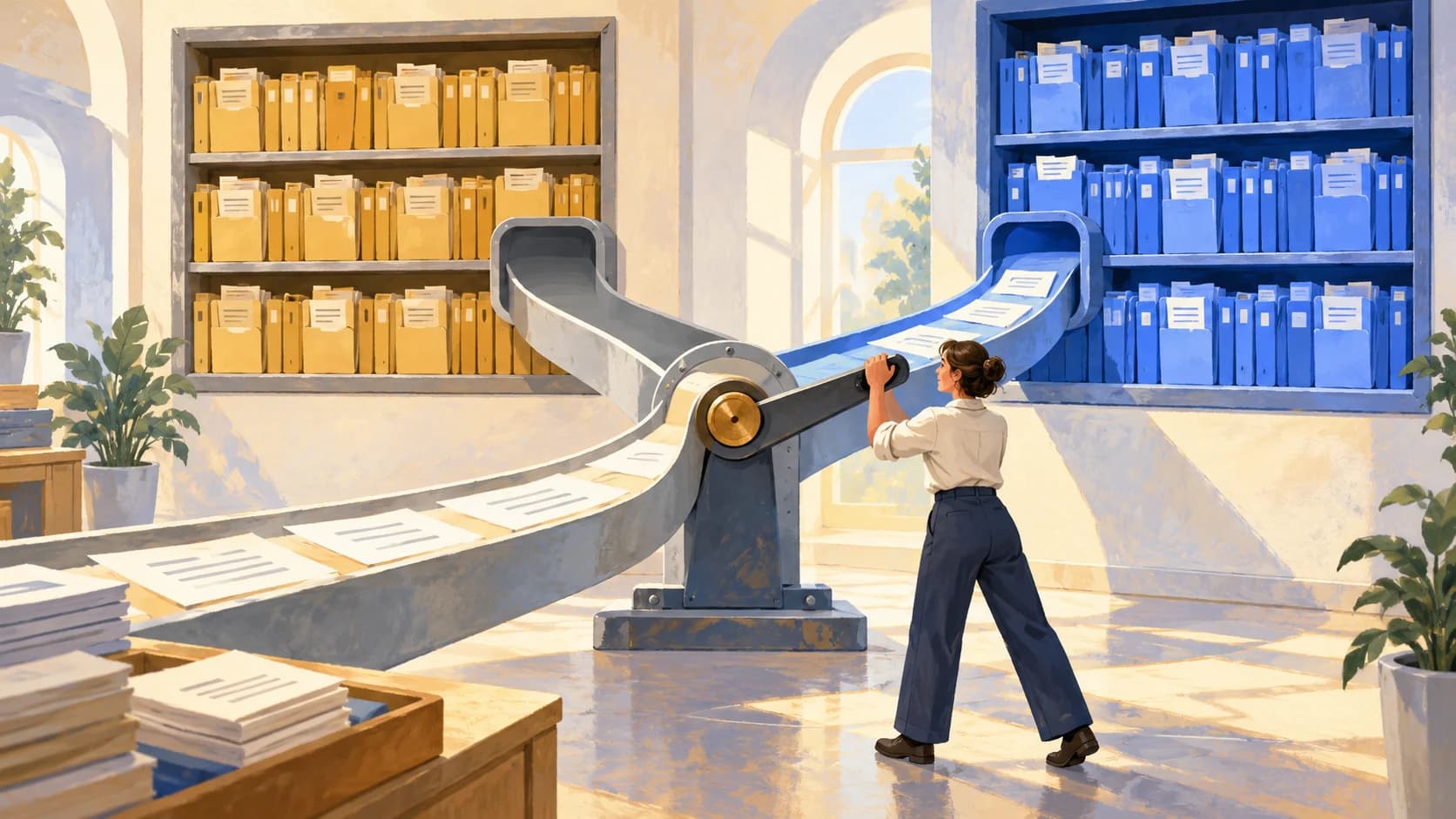
To fully refresh a RAG knowledge base, prepare a new document set in a separate Qdrant collection, validate it directly, and only then switch the production alias. An alias is a persistent name the application uses to access the selected collection. Switching this name does not automatically refresh the response cache, dialogue history, or other search systems.
Material for an integration engineer and the owner of an enterprise knowledge base. Below is a checklist for one document release with an unchanged embedding model, meaning the model that turns text into search vectors. This is a documented process and suggested validation examples: the editorial team did not run these queries on a live Qdrant instance. The documentation was reviewed on October 22, 2026; the public API reference shows the v1.19.x branch. Compatibility with your installed version must be checked separately.
Prepared by AIrassvet. The cover is a conceptual illustration of switching the source, not a product interface or proof of a customer implementation.
Contents
- Scope and source data
- Step 1. Lock the release set
- Step 2. Build a separate collection
- Step 3. Validate documents and search
- Step 4. Switch the production alias
- Step 5. Verify application responses
- Step 6. Prepare rollback and close the release
- Errors that stop the release
Scope and source data
This checklist applies when a company publishes an approved set of instructions, terms of service, or product descriptions. If individual documents change every minute, a full rebuild may be unjustified: you will need a separate change synchronization mechanism. When the embedding model changes, the query encoding changes too—switching the alias alone is not enough. This is a separate procedure from the Qdrant model migration guide.
For example, let’s use a fictional support assistant. In the old policy, the return window is 14 days; in the new one, it is 30. One product has been discontinued; its old instructions should not appear in the new search context. The numbers are illustrative only and do not describe legal requirements or a real service.
Prepare the input data:
- Production alias
support_live, current collectionsupport_r1and the new onesupport_r2. These are example names, not built-in Qdrant objects. - Approved source documents and a list of revoked sources.
- Text extraction settings, chunking settings—search fragments—and embeddings.
- An account with the required permissions, a test environment, and an agreed process for production changes.
- Control questions with expected sources and user access options.
A Qdrant collection stores points with vectors and additional data. Its settings must match the vectors in use; definitions and parameters are described in the Collections guide. You can cross-check the general loading and search flow with the article on a business RAG system.
Step 1. Lock the release set
- Record the source documents. Create a list: document ID, edition, file checksum, inclusion status. The document version and the version of the entire set are different fields.
- Define the changes. For each source, specify: keep, replace, add, or exclude. The new set must include unchanged active documents as well.
- Freeze set changes during the build. In the batch approach used here, new edits wait for the next release. Apply this rule to repeated queue jobs as well: an old job must not append the previous revision to the new collection.
The suggested output of this step is an immutable source list for support_r2. In our example, it includes the new return policy, keeps active instructions for the other products, and excludes the discontinued product.
If you cannot stop changes, this simplified process does not work. You need synchronization of updates and deletions during the build, with separate lag monitoring. Do not label a constantly changing set as a finalized release.
Step 2. Build a separate collection
- Create
support_r2separately from the production database. For this scenario, keep the embedding model and vector parameters unchanged. Prepare the required indexes for filter fields; copying content does not by itself mean copying the entire configuration. - Load the full approved set. Link each chunk to its source document. Suggested payload fields:
document_id,document_version,release_id,source_uriand access labels. This is an application schema; it must be implemented in the loader. - Wait for the applied changes. Save the actual operation statuses and verify that the data is available for reads. Do not infer readiness from a single batch submit response.
Qdrant distinguishes between accepting a write and completing its application; details are given in the points operations reference. With prevent_unoptimized enabled, some data may wait for indexing; wait=true can increase wait time and lead to timeouts. Check the settings and the actual data visibility in the optimizer documentation.
The step is complete when the loader has processed the full list and the new documents can be read from support_r2. That does not yet mean search is answering questions correctly.
Step 3. Validate documents and search
- Verify the point count for each document. Use the expected number of chunks after parsing and
countwithexact: trueand filterdocument_id. The total count alone is not enough: a missing document can be offset by a duplicate of another one. Count points supports exact counting and filters. - Read the content. Through
scrollcheck the text and payload: revisions, source links, access tags. For a full pass, go through all pages using the returnednext_page_offset, not just the first one. This is covered in Scroll points. - Run the search directly against the new collection. Use the same question encoding method, filters, and search parameters as the app. Query points describes collection queries and result filtering.
Below are suggested checks for a hypothetical example, not results from a run.
| Input question or condition | What to look for in the result | Readiness sign |
|---|---|---|
| "What is the current return period?" | The new instruction and its revision | The context contains an assumed 30 days, and there is no old revision |
| Question about an unchanged product | The previous active source | The document remains in the new release |
| Question about a discontinued product | Absence of the removed instruction | The old instruction is not returned; the downstream answer is determined by the app rules |
| User question without the required permissions | Only allowed snippets | There is no restricted document in the context |
Qdrant filters select points by payload conditions, but the source of permissions and how they are enforced is handled by the application. Condition operations are covered in Filtering; field index settings are covered in Indexing. Having an access field by itself does not enforce permission boundaries.
The stage is complete, once document discrepancies are explained and the predefined questions have been tested, including excluded sources and permissions. Methodological differences between search quality and answer quality are discussed in the article on RAG accuracy.
Stage 4. Switch the working alias
- Check the app route. It should point to
support_live, not the hard-codedsupport_r1. Check all search paths, including background jobs. If the alias is not used yet, implement this route separately first. - Confirm the current assignment. Call
GET /aliases, findsupport_liveand savecollection_name. The response format is described in List all aliases. - Send the assignment change in a single request. Do not split alias deletion and creation into two separate calls.
Below is a documented example body for POST /collections/aliases, adapted to the hypothetical names. This is not a ready-to-run command: the address, authentication, and environment are not specified here; the request has not been executed in a revision.
{
  "actions": [
    {"delete_alias": {"alias_name": "support_live"}},
    {"create_alias": {
      "collection_name": "support_r2",
      "alias_name": "support_live"
    }}
  ]
}
The fields and endpoint are defined in Update collection aliases. The atomicity of deleting and creating an alias in one request is described directly in the Qdrant migration guide. It applies to changing an alias assignment; it does not imply atomicity of the entire RAG system or guarantee zero application downtime.
The stage is complete, when a repeat GET /aliases shows support_live → support_r2. If the switch request timed out, first read the actual assignment. Do not retry the change blindly: a timeout error is not proof of the previous state.
Stage 5. Check application responses
- Repeat the control questions through the usual interface. Check the fragments found, the links, and the final text. A successful direct search does not confirm that the production application uses the same route.
- Update the response caching rules. A recommended approach is to include the corpus version in the cache key and read only the matching release. Another option is to invalidate affected responses through document links. These mechanisms must be implemented separately; Qdrant discusses cache refresh when sources change in the Semantic Caching for RAG guide.
- Separate the new conversation from the ongoing one. Check both cases. The application may pass the model a previous answer from history again; switching collections does not erase that text. Decide in advance how the interface marks changed conditions and which source has priority.
The stage is complete, when the application gets context from the correct release and generates an answer based on it. If a new instruction is found but the model still reports the old deadline, investigate context assembly, history, and generation. Reloading the same collection without diagnostics will not explain this error.
Stage 6. Prepare rollback and close the release
- Keep the previous collection for the agreed observation period. Prepare a reverse alias switch to
support_r1and a procedure for rolling back application and cache settings. - Check whether returning the old content is allowed. If a document was withdrawn because of incorrect conditions or access, the stored collection may technically be unsuitable for rollback. In that case, it is safer to temporarily restrict answers on the affected topic and prepare a corrected release.
- Do not accept new changes without the rollback procedure noticing. In this batch scenario, the composition is frozen during the observation period. If you resume loading only into the new collection, the old one will no longer contain the new knowledge.
- Delete old data according to the approved policy. Treat the source files, other indexes, backups, and caches separately. Reassigning the alias is not the same as deleting data.
Result — the working release has been selected, the permissible rollback path is known, and the person responsible for completing retention of the previous version has been assigned. No universal retention period is set here: it depends on company policy and the nature of the documents.
Errors that stop the release
- The total number of points matches, but there is no information for individual documents. Go back to the completeness check.
- New source files have been mixed with late tasks from the old release. Fix the loader routing and rebuild the affected collection.
- The vector search has been updated, but the full-text index is still returning old fragments. Align the release across all context sources.
- The alias has been switched, but the cache still contains the previous answers. Fix cache reads and repeat the questions through the application.
- Rollback restores the withdrawn document. Prepare a corrected version instead of an automatic return.
How AIrassvet helps organize RAG updates
For the task of updating a corporate knowledge base, data preparation, RAG development, and integration testing are applicable. Within these areas, AIrassvet helps describe the document set and versioning rules, connect ingestion to the search path, and create checks for answer freshness and access rights.
The first step is to define one process, the current freshness problem, the sources, constraints, and the success criterion for the update. Discuss the task.
What should remain after the update
The new document set is assembled separately, its composition is verified, and the search and application use the correct release. Old sources are excluded from the current context, the cache and history are checked separately, and rollback is allowed based on the content. Start with one agreed release in a test environment and go through the stages before switching the production alias.