GraphRAG is an approach to RAG in which the language model first builds a knowledge graph from documents: entities, the relationships between them, and summaries for groups of related entities. When answering, the system relies not only on similar text passages, but also on this graph, so it answers questions about the entire corpus better — for example, “what are the main topics in the project correspondence?”
Prepared by AIrassvet October 25, 2026 for executives, IT directors, and knowledge base owners who are choosing an AI search architecture for company documents. It is based on Microsoft Research’s article on GraphRAG, the project documentation and repository, Microsoft’s publication on LazyGraphRAG, and the article on LightRAG. We did not conduct our own measurements: all figures are taken from the original sources and include the stated conditions. In this article, we explain how it works, its limitations, and selection criteria, but we do not cover installing a specific library, prompt tuning, or choosing a graph database.
Contents
- In Brief
- What GraphRAG Is
- How GraphRAG Differs from Standard RAG
- How GraphRAG Builds a Knowledge Graph
- How GraphRAG Answers Questions
- What Microsoft’s Research Found
- Where GraphRAG Is Useful for Business
- Limitations: When GraphRAG Is Not Needed
- GraphRAG, LazyGraphRAG, and LightRAG: What’s the Difference?
- How to Decide Whether You Need GraphRAG
- Glossary
- Original Sources and Verification Method
In Brief
- What it is: RAG that builds a knowledge graph from your documents and prepares summaries for groups of related entities before answering.
- Why it matters: standard vector RAG is good at finding a specific passage, but it is weak at answering questions about the corpus as a whole and questions that require connecting scattered facts.
- What supports it: in a Microsoft Research paper covering two corpora of about 1 million tokens each, GraphRAG’s global search beat vector RAG on answer completeness in 72–83% of comparisons.
- What you pay: indexing requires many language model calls; the authors explicitly warn that it can be expensive and recommend starting small.
- When it is not needed: if users ask pinpoint questions like “what is the delivery term in contract No. 15,” standard or hybrid search is cheaper and more direct.
What GraphRAG Is
To understand GraphRAG, you need three terms.
RAG (retrieval-augmented generation) is a setup in which the model receives retrieved passages from company documents before answering. We covered the architecture in detail in our article on RAG systems for business.
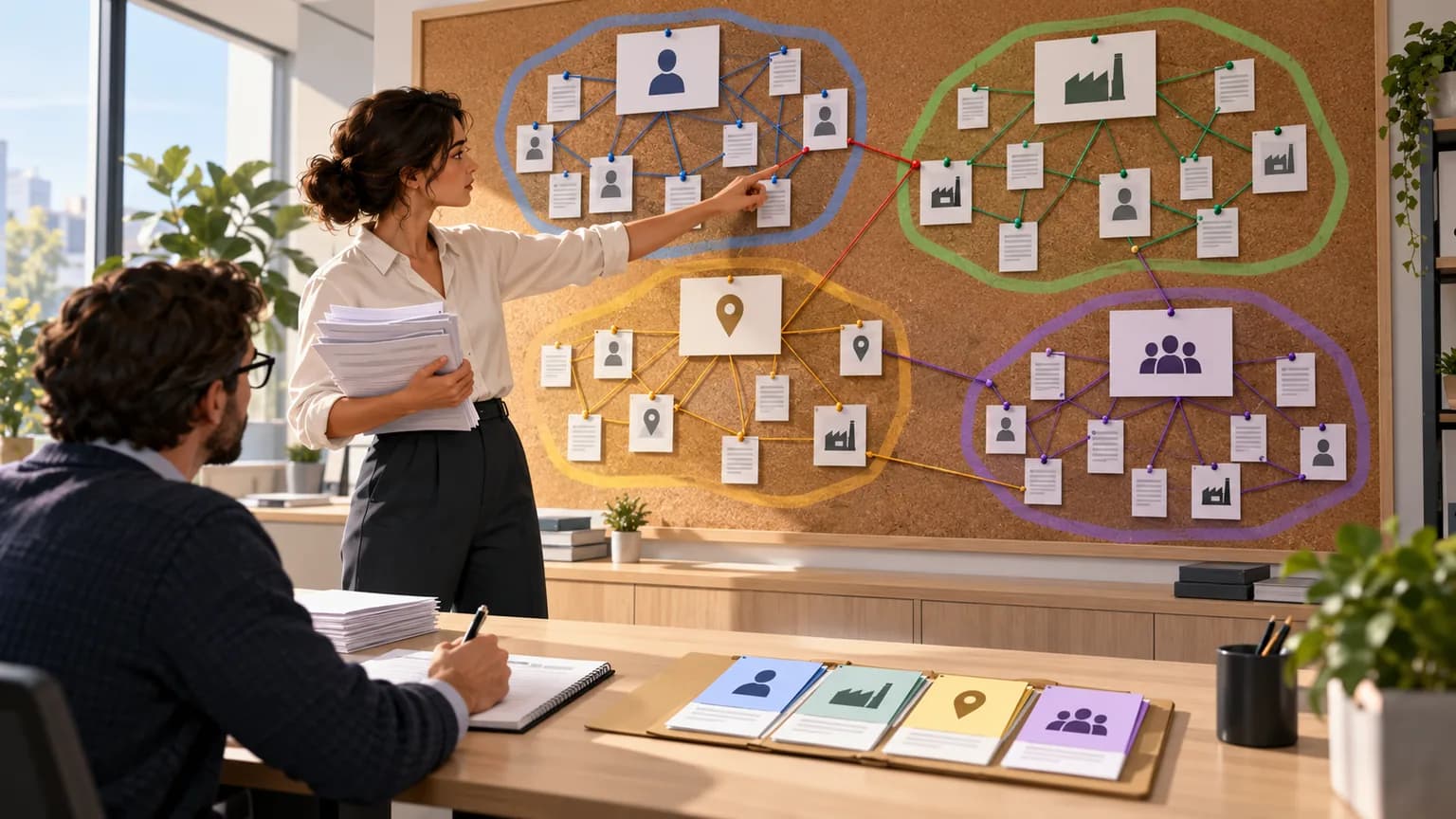
Knowledge graph is a structure made of nodes and edges. Nodes are entities: people, companies, products, places, documents. Edges are relationships between them: “supplies,” “signed,” “mentioned together with.” The graph does not store the full text, only who is connected to whom and how.
Community in a graph is a group of entities that are more tightly connected to each other than to the rest. For example, a supplier, its contracts, the responsible manager, and claims related to those contracts.
GraphRAG combines these ideas. In Microsoft’s documentation, it is described as a structured, hierarchical approach to RAG in contrast to “naive” semantic search over text chunks. The model extracts a graph from the text, the system splits the graph into communities at different levels, and the model writes a short summary for each community. These summaries and the graph itself are then used when answering.
The project is open from Microsoft Research: the article “From Local to Global: A Graph RAG Approach to Query-Focused Summarization” appeared on arXiv on April 24, 2024, the code was published on GitHub under the MIT License, and the first release was in July 2024.
How GraphRAG Differs from Standard RAG
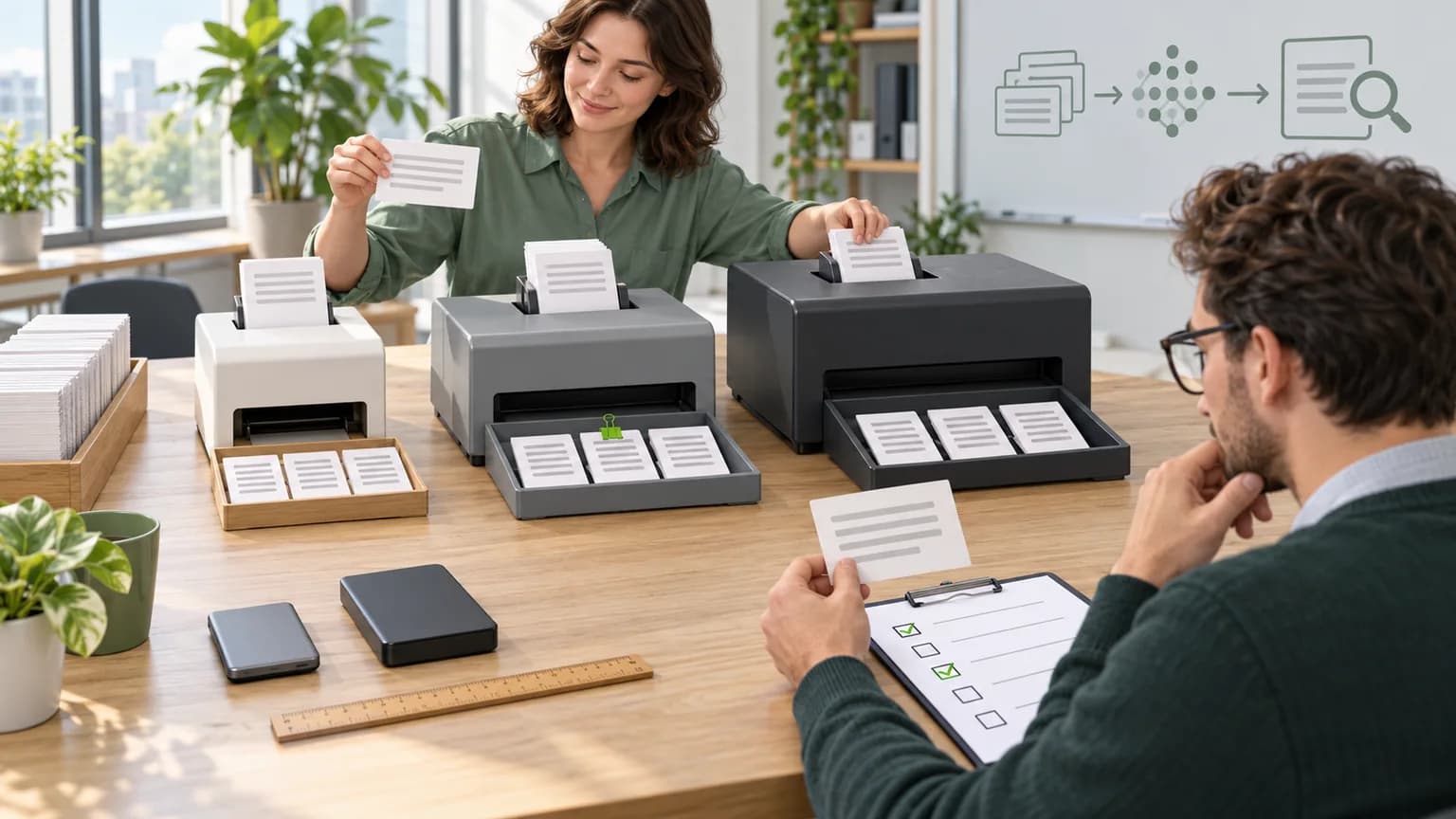
Standard, or baseline, RAG splits documents into chunks, turns them into vectors, and retrieves chunks similar to the question. We explained how this kind of vector storage works in our article on vector databases. The GraphRAG documentation names two situations where this approach performs poorly: when the answer requires “connecting the dots” through shared attributes across scattered facts, and when you need a holistic understanding of a large document collection.
| Criterion | Vector RAG | GraphRAG |
|---|---|---|
| What it stores | Text chunks and their vectors | Chunks, entities, relationships, communities, and their summaries |
| How it builds the index | Chunking and vectorization, without text generation | The model reads each chunk, extracts entities and relationships, then writes summaries |
| Best questions | Point questions: find a condition, number, or clause | Exploratory and connective questions: topics, participants, chains of relationships |
| How direct the answer is | Higher: in Microsoft’s research, vector RAG produced the most direct answers | Answers are fuller and more varied, but longer |
| Updates | Add a document — recompute its vectors | You need to update the graph, communities, and summaries |
| Indexing cost | Low | High: many model calls |
Important: GraphRAG does not replace vector search. GraphRAG’s local mode still uses the original text chunks, and the library also includes a “basic” vector mode for comparison.
How GraphRAG Builds a Knowledge Graph
Microsoft’s documentation describes indexing like this. We restate the steps and explain what happens at each one.
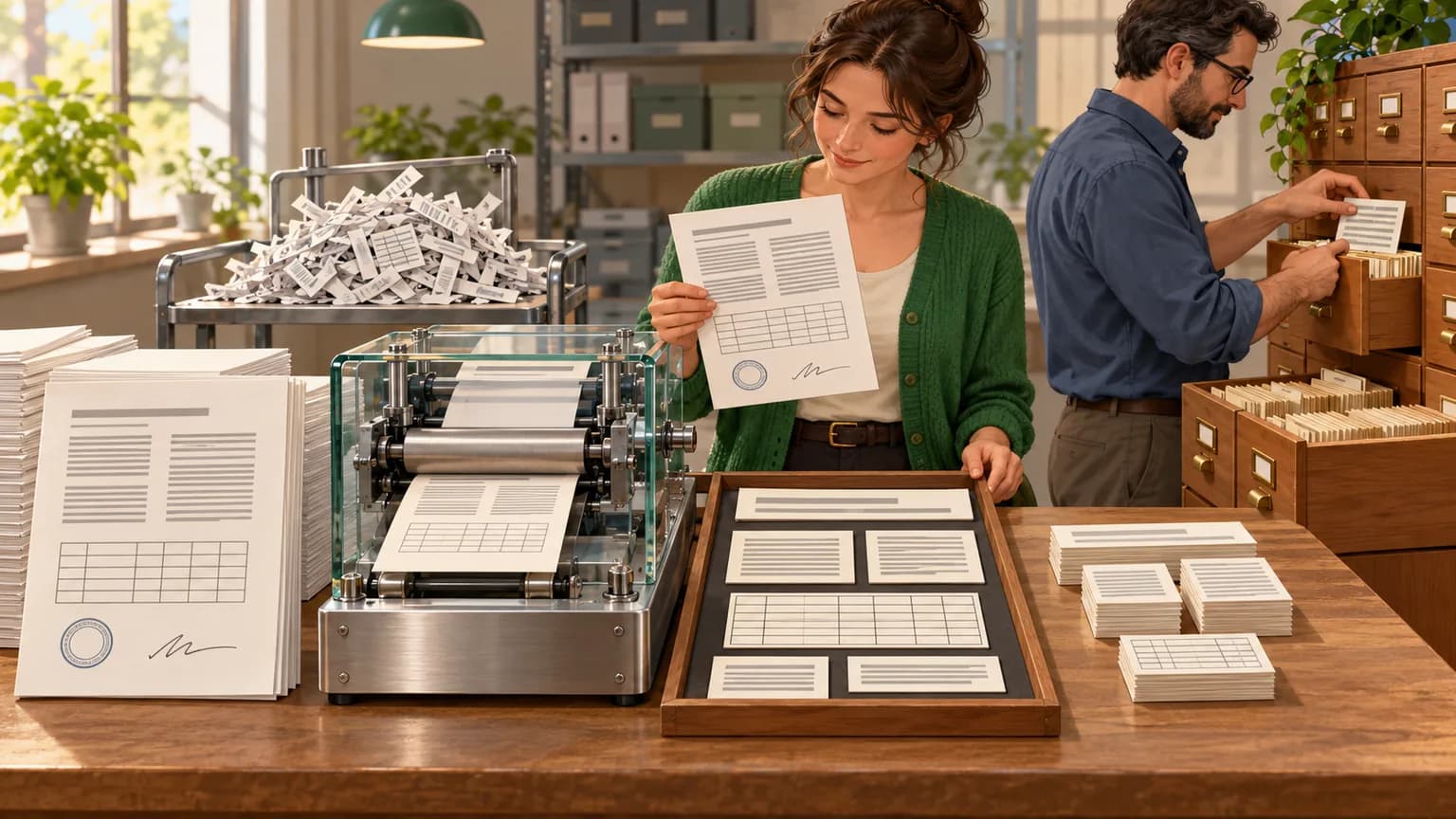
- Split into text units. The corpus is split into chunks (TextUnits). They are needed both for analysis and for source citations in the answer. Chunk size affects cost: the article notes that longer chunks require fewer model calls. We covered how to choose chunk size in our article on document chunking.
- Extract entities, relationships, and claims. The language model reads each chunk and lists entities, relationships between them, and key claims.
- Graph clustering. The graph is split into a hierarchy of communities using the Leiden algorithm: from large top-level groups down to smaller ones.
- Community summaries. The model writes a short description of each community from the bottom up: first smaller groups, then larger ones. That creates a multi-level "map" of the corpus at different levels of detail.
- Vectors for search. Vector representations are built for chunks and entities so the system can find the entry point into the graph based on the user’s question.
Scale, based on the example in the article: a corpus of podcast transcripts totaling about 1 million tokens was turned into a graph with 8,564 nodes and 20,691 edges. Indexing with 600-token chunks took 281 minutes on a virtual machine with 16 GB of RAM via the gpt-4-turbo API.
How GraphRAG Answers Questions
The documentation describes four search modes. Choosing the right mode is a key design decision, because the modes differ significantly in cost and in the type of questions they handle.
| Mode | How it works | What kinds of questions |
|---|---|---|
| Global Search | Scans community summaries using a map-reduce pattern: each summary contributes a partial answer, then the partial answers are combined into a final one | "What are the main topics?" "What ties the customer complaints from the year together?" The documentation describes this mode as resource-intensive |
| Local Search | Finds entities from the question, expands to their neighbors, and adds the original text chunks | Questions about a specific entity: a supplier, product, or person |
| DRIFT Search | Local search plus community-level information; refines the question through additional subquestions | Questions about an entity where broader context matters |
| Basic Search | Standard top-k vector search over chunks | Targeted questions and comparison with baseline RAG |
In practice, this means GraphRAG is not a one-button solution. For a system where most questions are specific and broad overviews are rare, local mode and occasional global queries may be enough.
What Microsoft’s Research Showed
The authors compared GraphRAG with vector RAG and with summarizing the source text without a graph across two datasets:
- Behind the Tech podcast transcripts — about 1 million tokens;
- news articles from September 2013 through December 2023 — about 1.7 million tokens.
The questions were broad and exploratory: about the topics, trends, and takeaways across the corpus as a whole. Another language model compared the answers in pairs (an LLM-as-a-judge approach) using criteria of completeness, diversity, usefulness to the reader, and directness.
Key findings from the article (version 2, February 19, 2025):
- Completeness. Global approaches beat vector RAG in 72–83% of comparisons on the podcast dataset and in 72–80% on the news dataset.
- Diversity. The win rate was 75–82% and 62–71% of comparisons, respectively.
- Directness. On this control criterion, vector RAG came out on top: its answers were the shortest and most specific.
- Context savings. Top-level summaries required more than 97% fewer tokens per query than summarizing the source text, yet still beat vector RAG on completeness in 72% and on diversity in 62% of comparisons.
The authors themselves note the limitations: only two corpora of about 1 million tokens each were tested, generalizing to other domains requires further research, and the rate of hallucinations in the answers was not compared. For business, that means the results show potential for broad, overview-style questions, but do not guarantee a win on your own documents.
Where GraphRAG Is Useful for Business
Below are the types of tasks where, according to the method description, the graph offers an advantage. These are our use-case examples, not documented case studies.
- Customer support and review analytics. "Which complaint topics are growing, and which products are mentioned alongside them?" — an overview question across thousands of texts.
- Project correspondence and documents. "Who was involved in approving the changes, and what decisions came out of that?" — you need a chain of relationships between people, emails, and meeting minutes.
- Counterparty checks and due diligence. Links between companies, founders, contracts, and court cases fit naturally into a graph.
- Market and competitor research. Turn dozens of reports into a map of players, products, and trends.
- Technical documentation with cross-references. Nodes, components, policies, and incidents that reference one another.
The common thread: the value of the answer is not in one paragraph found, but in the relationships across many documents.
Limitations: When GraphRAG Is Not Needed
Indexing cost. The repository README explicitly says GraphRAG indexing can be an expensive operation and recommends starting small. The model reads every chunk, so costs rise with corpus size. The exact cost for your archive can only be determined with a pilot on part of the documents.
Frequent updates. If documents change daily, the graph, communities, and summaries must be kept up to date. For fast-moving knowledge bases, that is a separate engineering challenge.
Extraction quality depends on prompts. The documentation warns that out of the box, GraphRAG may not deliver the best results, and strongly recommends tuning the prompts for your data. For Russian-language documents, industry terminology, and abbreviations, this is especially important: entity extraction errors flow into the graph.
Targeted questions. If a user is looking for a specific contract clause or item number, a graph is not necessary. In this case, more effective hybrid search and reranker.
Microsoft Project Status. As of October 25, 2026, the microsoft/graphrag repository README says the project is mostly in maintenance mode: no new features are being developed, only bug fixes and dependency updates are being released. The code itself is also labeled as a methodology demo rather than an officially supported Microsoft product. For a production system, that is a reason to think ahead about who will maintain the chosen implementation.
GraphRAG, LazyGraphRAG, and LightRAG: What’s the Difference?
The graph-based RAG idea has several implementations. Let’s compare three that have primary sources.
| Criterion | GraphRAG (Microsoft) | LazyGraphRAG (Microsoft) | LightRAG (HKUDS) |
|---|---|---|---|
| How it builds the index | The model extracts entities and relationships and writes community summaries | No model during indexing: named-entity extraction with NLP methods; all model calls are deferred until query time | The model extracts entities and relationships; the graph is combined with vector representations |
| Claimed indexing cost | High, according to the README | According to Microsoft, the same as vector RAG and 0.1% of full GraphRAG | Positioned as a faster and cheaper alternative to GraphRAG |
| Data updates | Requires recalculation of structures | The index is cheap, so recalculation is easier | Incremental document addition and selective deletion are claimed |
| Storage | Files and supported storage options | — | Neo4j, PostgreSQL, and others; by default, the authors describe the storage options as unsuitable for production |
| Availability | Open source, MIT, support mode | According to Microsoft’s note from June 6, 2025 — included in Microsoft Discovery and Azure Local (public preview) | Open source, MIT |
For LazyGraphRAG, Microsoft also reports query costs more than 700 times lower than global GraphRAG search, with comparable quality on overview questions. These are the developer’s own figures; we did not find an independent verification.
LightRAG has a practical detail: you need to choose the embedding model before indexing, and changing it requires recalculating vectors for chunks, entities, and relationships. We described how to choose such a model in the embedding model selection checklist.
How to decide whether you need GraphRAG
We suggest going through five questions in order. This is our decision framework, not an industry standard.
- What kinds of questions do users ask? Collect 30–50 real questions and label them: point-specific, entity-specific, or overview. If there are almost no overview questions, start with vector or hybrid RAG.
- Do you need relationships between documents? If the answer usually lives in one document, a graph is overkill. If you need to connect people, contracts, and events from different sources, that is an argument for a graph.
- How often do documents change? Daily changes increase the cost of maintaining a graph. Archives and rarely updated policies are a better fit.
- What is the indexing budget? Run a pilot on part of the corpus and calculate the actual model calls. Without a pilot, any cost estimate is just a guess.
- Where does the model need to run? Indexing sends the entire corpus to the model. If documents cannot be sent to an external service, you need a model running on your own servers.
If the answers point to a graph, start with a hybrid approach: vector or hybrid search for point-specific questions and a graph for overviews. Compare the options on the same set of benchmark questions.
Glossary
- RAG — generating an answer by a model based on retrieved document passages.
- Knowledge graph — a network of entities (nodes) and the relationships between them (edges).
- Entity — an object mentioned in the text: a person, organization, product, place, or event.
- Community — a group of closely connected entities in a graph.
- Leiden algorithm — a graph community detection method that GraphRAG uses for hierarchical clustering.
- Community summary — a brief description of a group of entities written by the model during indexing.
- Global search — an answer based on community summaries across the entire corpus.
- Local search — an answer about a specific entity through its neighbors in the graph and the source passages.
- Token — a unit of text processed by a language model; token counts are used to measure corpus size and the cost of calls.
Primary sources and verification method
We checked every statement about GraphRAG against primary sources on October 25, 2026:
- Edge D. et al. From Local to Global: A Graph RAG Approach to Query-Focused Summarization, arXiv:2404.16130, version 2 dated 02/19/2025 — method description, datasets, results, and limitations;
- GraphRAG documentation and search mode description — indexing steps and four modes;
- microsoft/graphrag repository — MIT license, cost warning, support mode status;
- Microsoft Research: LazyGraphRAG: setting a new standard for quality and cost, 11/25/2024 — cost data is cited from the developer’s publication;
- Guo Z. et al. LightRAG: Simple and Fast Retrieval-Augmented Generation, arXiv:2410.05779, and LightRAG repository — architecture, storage, updates, license.
We did not run GraphRAG on our own data. The use cases and the five-question framework are our editorial interpretation. We do not give indexing costs in rubles: they depend on the model, corpus size, and settings.
How AIrassvet helps implement knowledge graph RAG
The choice between vector, hybrid, and graph RAG is best made based on your own questions and documents, not general overviews. On the AIrassvet website the listed services include RAG systems and enterprise knowledge bases, LLM deployment on the customer’s servers, as well as process audits, data preparation, MVP development, and testing. For this task, that means:
- auditing user questions and the corpus: what share of questions are overview-style and where document relationships are truly needed;
- preparing documents and a knowledge base prototype in which vector search and graph search are compared on the same set of benchmark questions;
- deploying the language model inside the company perimeter if documents cannot be sent to an external service for indexing.
The first step is to choose one process where employees search for answers in documents and record the current result, data sources, constraints, and acceptance criteria.
Bottom line: GraphRAG is for relationship questions, not for finding a paragraph
GraphRAG builds a knowledge graph from documents and summaries for groups of related entities. In Microsoft’s research, this produced more complete and diverse answers to overview questions than vector RAG, but at the cost of expensive indexing and less direct answers.
If your users ask “what is happening overall” and “how is this connected,” it is worth testing a graph with a pilot on part of the corpus. If they are looking for specific items and figures, start with vector or hybrid search and return to a graph when overview questions appear.